
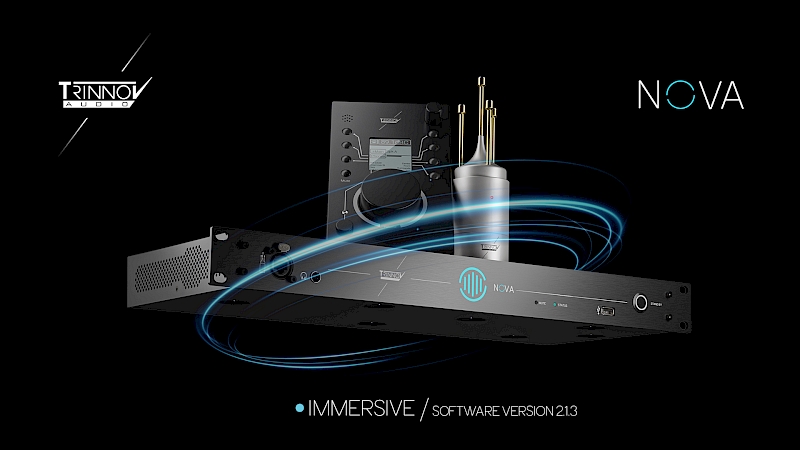
NOVA 2.1.3: Immersive Monitoring Comes to NOVA
Software version 2.1.3 represents the most significant expansion of NOVA since its introduction.
The headline addition is a new Immersive mode, extending NOVA’s Optimizer technology to monitoring systems up to 7.1.4 / 12 optimized channels via Dante.
For studios moving into Dolby Atmos and other immersive workflows, NOVA can now optimize a complete 7.1.4 loudspeaker system within the same compact platform.
Immersive Mode: Up to 7.1.4
In Immersive mode, NOVA can optimize up to 12 discrete loudspeaker channels, supporting configurations up to 7.1.4 through Dante audio inputs.
NOVA does not decode Dolby Atmos itself. Instead, the renderer or DAW provides the discrete output channels, and NOVA applies Trinnov loudspeaker and room optimization to each channel before monitoring.
Immersive mode supports:
- Up to 7.1.4 / 12 channels
- Dante audio inputs
- Up to 48 kHz
- One speaker set
- Dedicated Immersive presets created through the NOVA Wizard
This makes NOVA particularly well suited to compact and mid-sized immersive production, mixing, mastering and QC rooms.
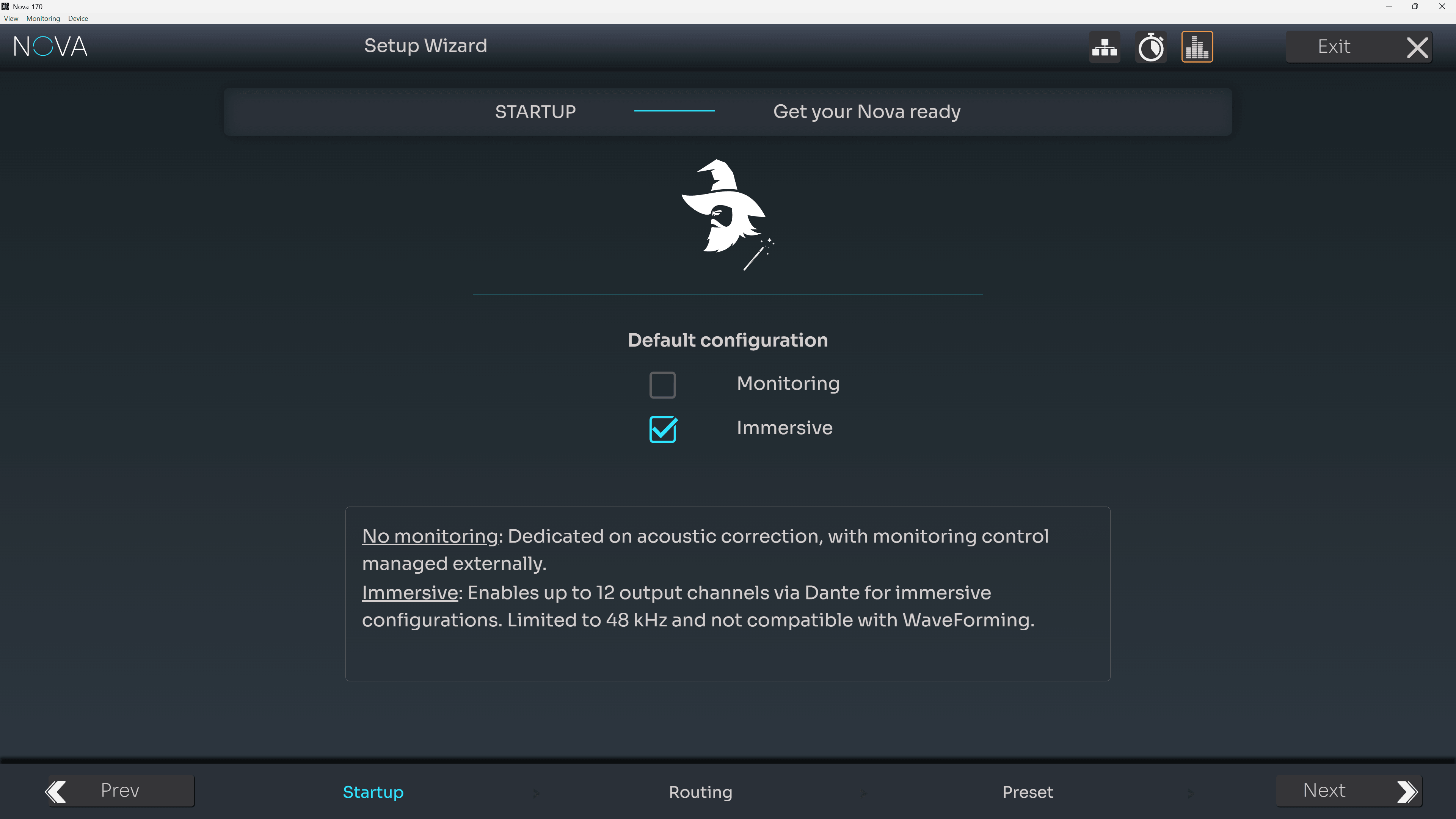
Immersive mode selection in the Wizard
A Simple Upgrade Path
One of the biggest benefits of version 2.1.3 is that moving to immersive monitoring does not require replacing existing NOVA hardware.
A NOVA with 8 licensed Optimizer channels automatically unlocks up to 12 optimized channels in Immersive mode, with no additional per-channel licensing required beyond those eight channels.
For a NOVA 6 owner, that means only one additional OPT2-NOVA license is required to reach a complete 7.1.4 configuration. NOVA 2 → NOVA 4 → NOVA 6 → NOVA 8 / 12 channels in Immersive mode
For studios considering a move from stereo or surround into Dolby Atmos, this significantly lowers the barrier to immersive monitoring.
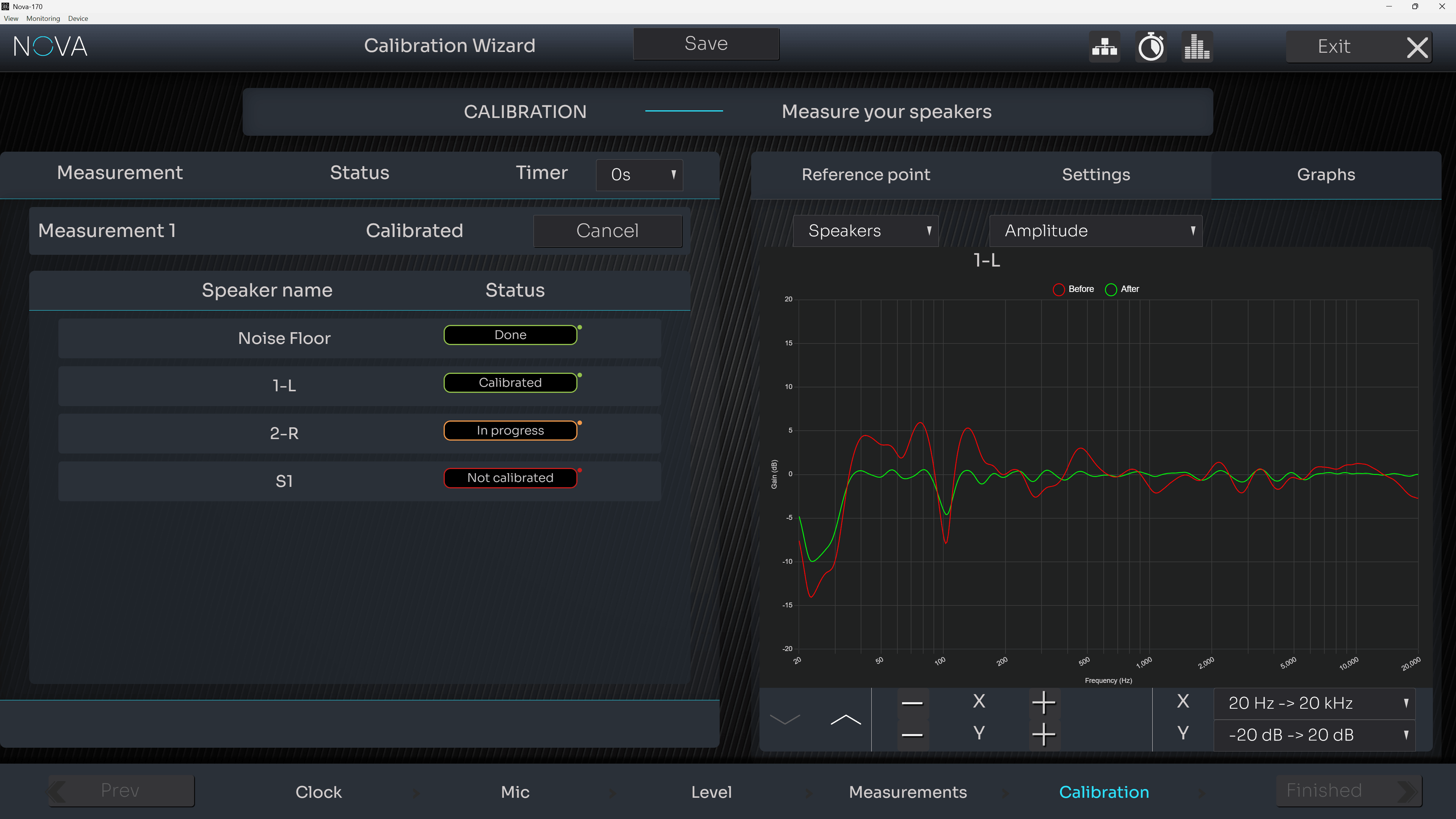
Calibration graphs in the setup wizard
Standard Monitoring Expands Too
Immersive mode is not the only major addition. Standard monitoring mode now supports up to 8 optimized channels, increased from 6, opening up more possibilities for surround systems, multiple monitoring sets, and more complex studio configurations.
Improved Day-to-Day Workflow
Version 2.1.3 also introduces several workflow improvements:
- Calibration graphs in the Wizard, making results easier to review immediately after calibration.
- Improved clock management, with more predictable Dante and internal clock behavior.
- Automatic Bass Management recompute when switching between compatible speaker sets.
- Reboot and shutdown controls directly from the interface and La Remote.
- Improved Target Curve editing, with keyboard adjustments down to 0.1 dB.
- Target Curve Presets, start with 5 predefined presets or save your own.
- Auto Start after power restoration.
- Numerous bug fixes and performance improvements.
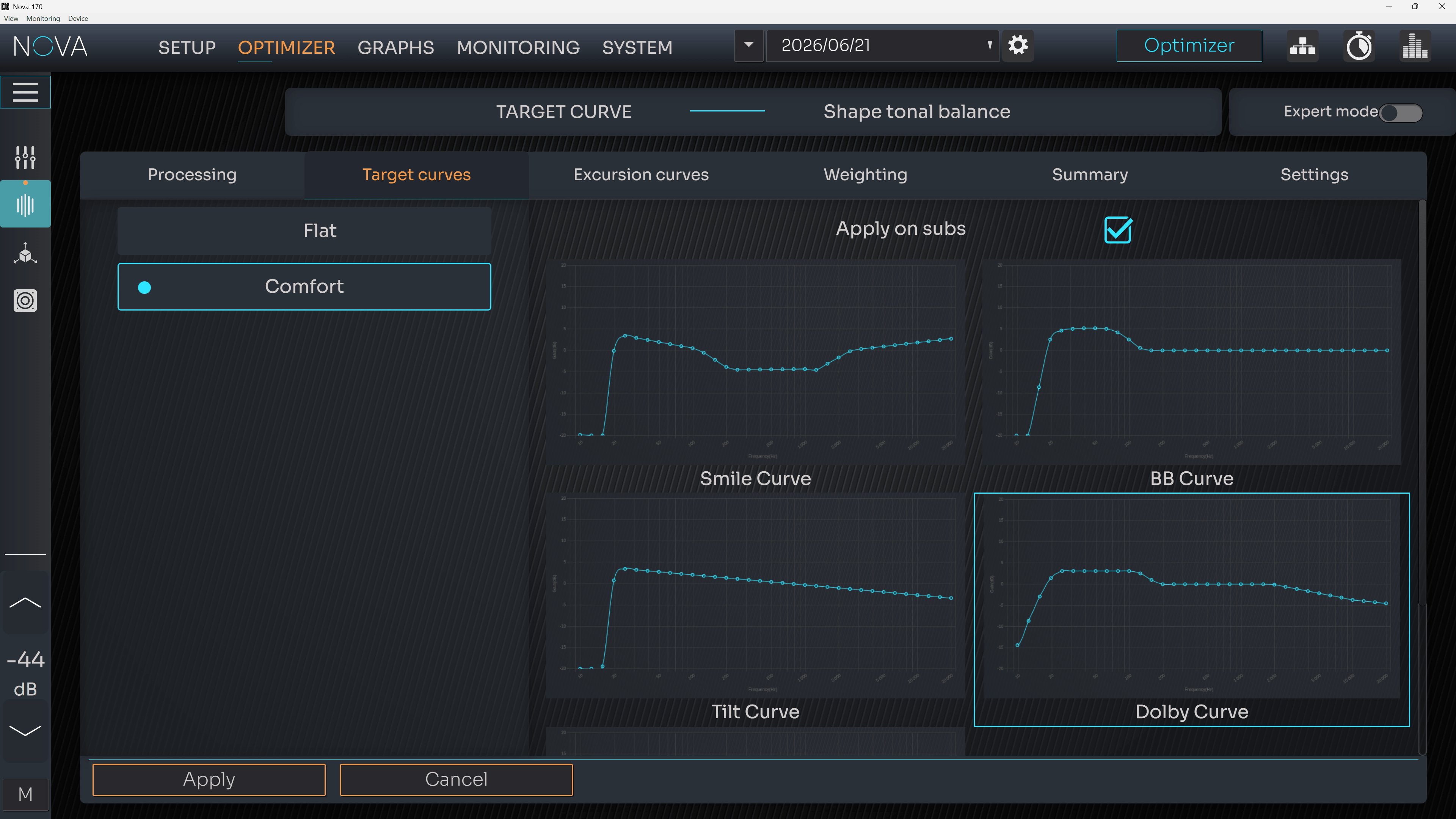
Target Curve Presets
Same NOVA. A Much Bigger Monitoring System.
The importance of version 2.1.3 goes beyond simply adding more channels.
It extends the NOVA platform from stereo and conventional multichannel monitoring all the way to complete 7.1.4 immersive environments, while preserving the hardware and Optimizer workflow existing users already know.
For a NOVA 6 owner in particular, the transition is remarkably simple: one additional two-channel license turns the system into a platform capable of optimizing an entire 7.1.4 room.
For studios entering immersive production, NOVA 2.1.3 substantially expands what can be achieved from a single 1U processor.
This new update is available to install on your Nova from September 2nd, 2026, directly via the Trinnov application, First update the Trinnov App to the latest version (4.3.2) Then just look for the update message at launch on your Mac or PC and proceed with the update.